
A collection of original SEAQIS science simulations, free for teachers and students across Southeast Asia. Designed to visualise abstract concepts in ways that suit senior high school learning. All materials are currently in Bahasa Indonesia.
Each simulation focuses on one or two key concepts, with parameter controls that students can adjust for in-depth exploration.
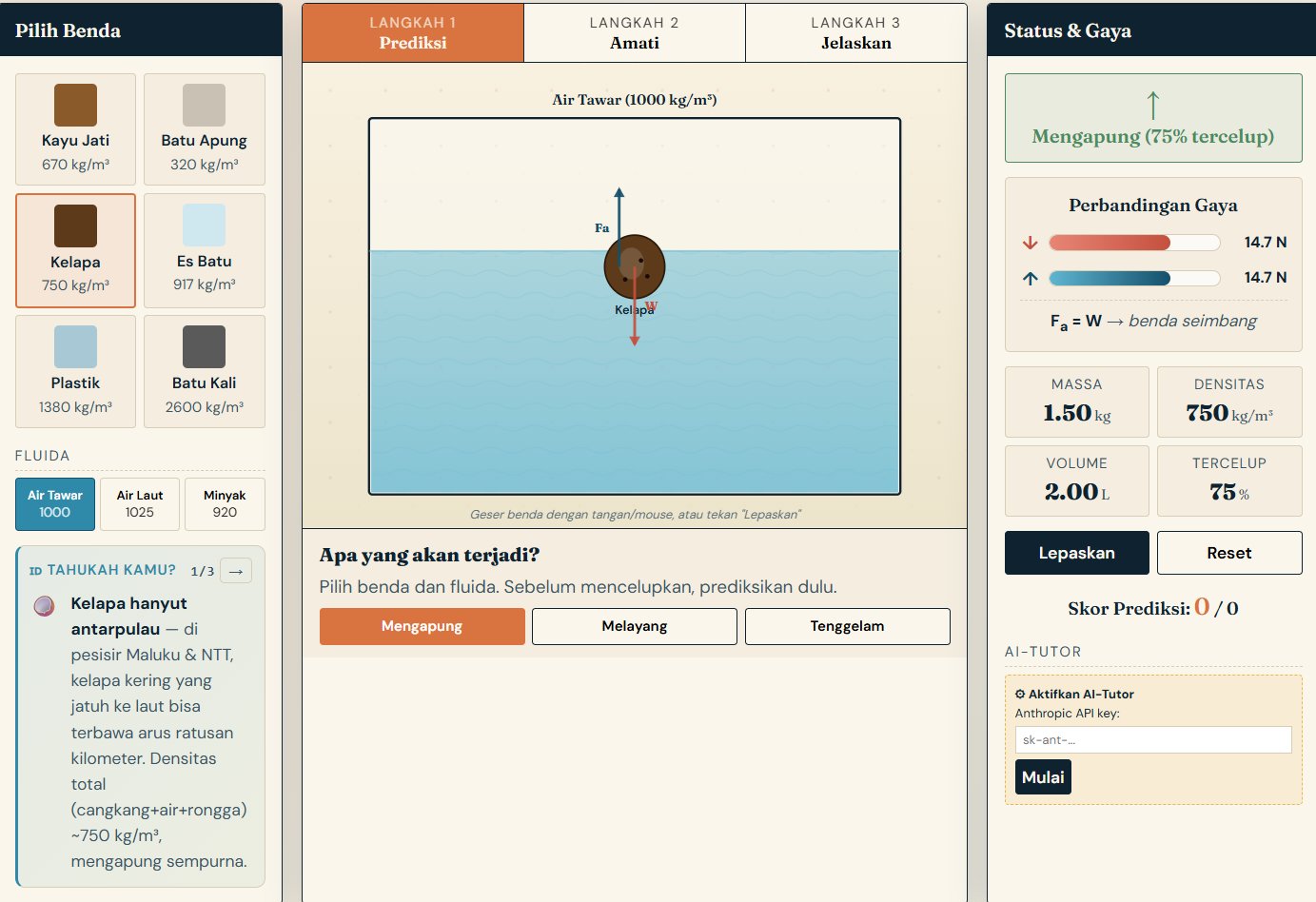
A simulation of objects floating or sinking in fluids of different densities. Students vary the density of the object and the fluid to understand buoyant force and the conditions for floating, being suspended and sinking.
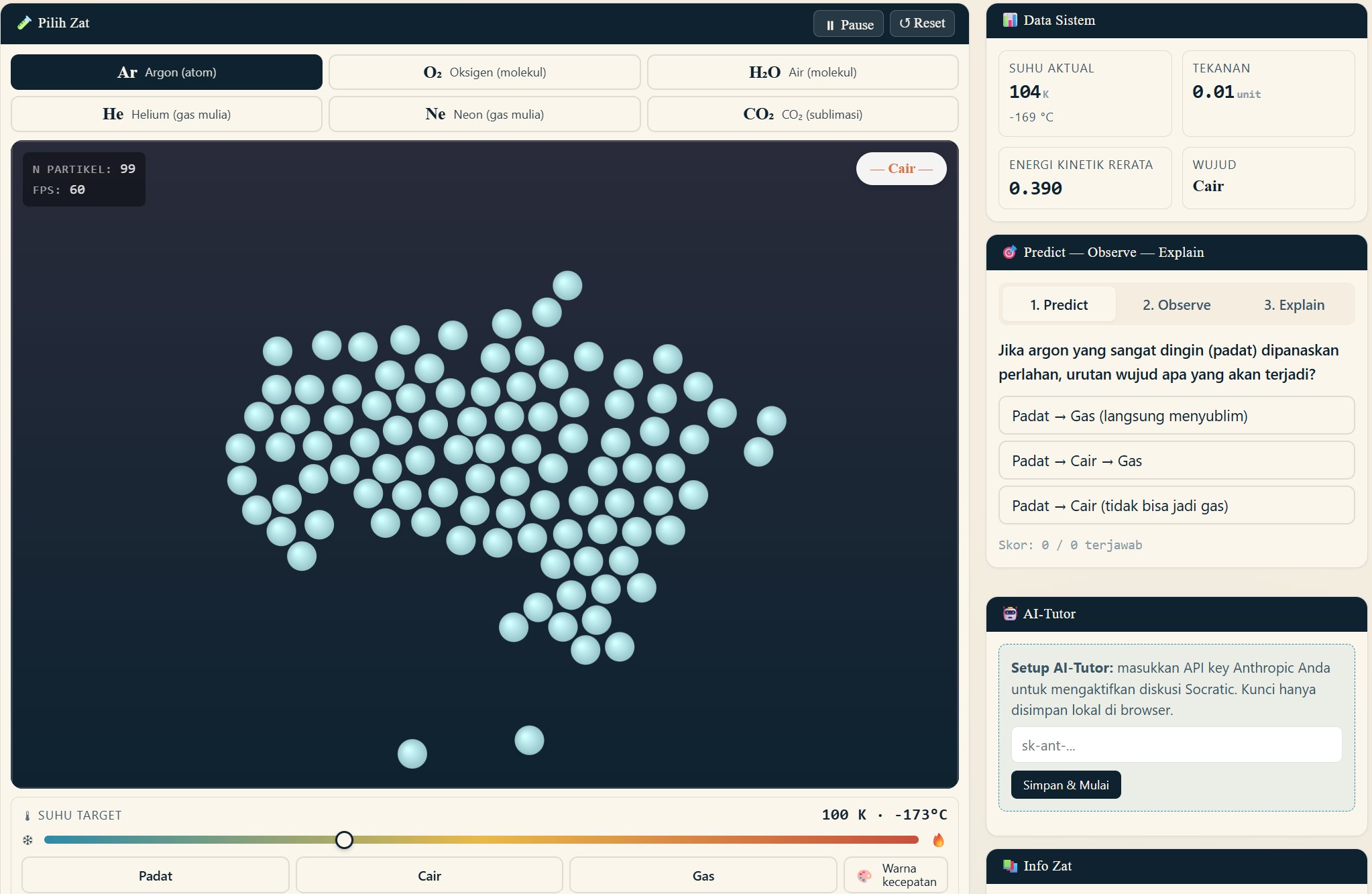
A molecular dynamics simulation using the Lennard-Jones potential for 6 different substances (argon, oxygen, water, helium, neon, CO₂). It shows changes of state between solid, liquid and gas as temperature changes, with a Maxwell–Boltzmann distribution histogram.
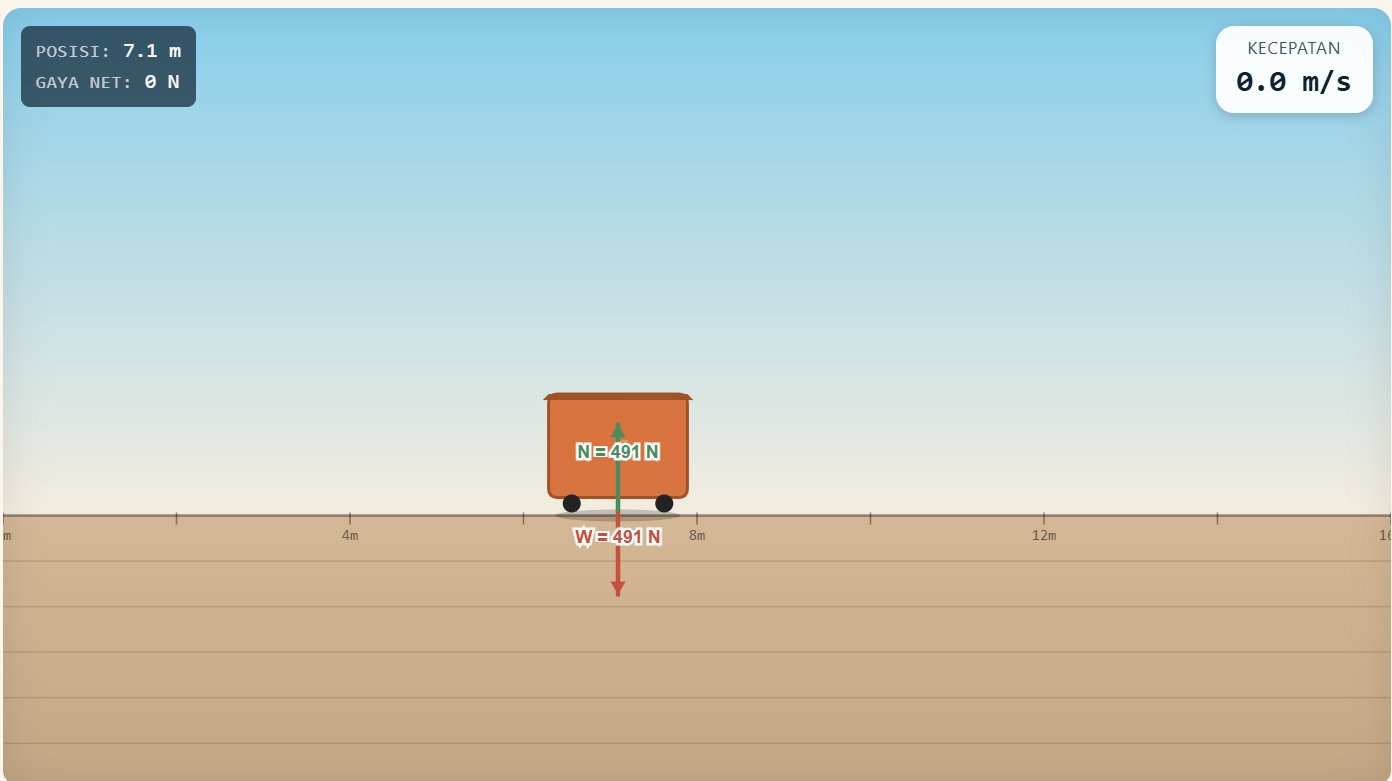
A simulation of an object pushed with a set force across a surface, with or without friction. It shows a free-body diagram (FBD) and vector decomposition to help students understand F = ma.
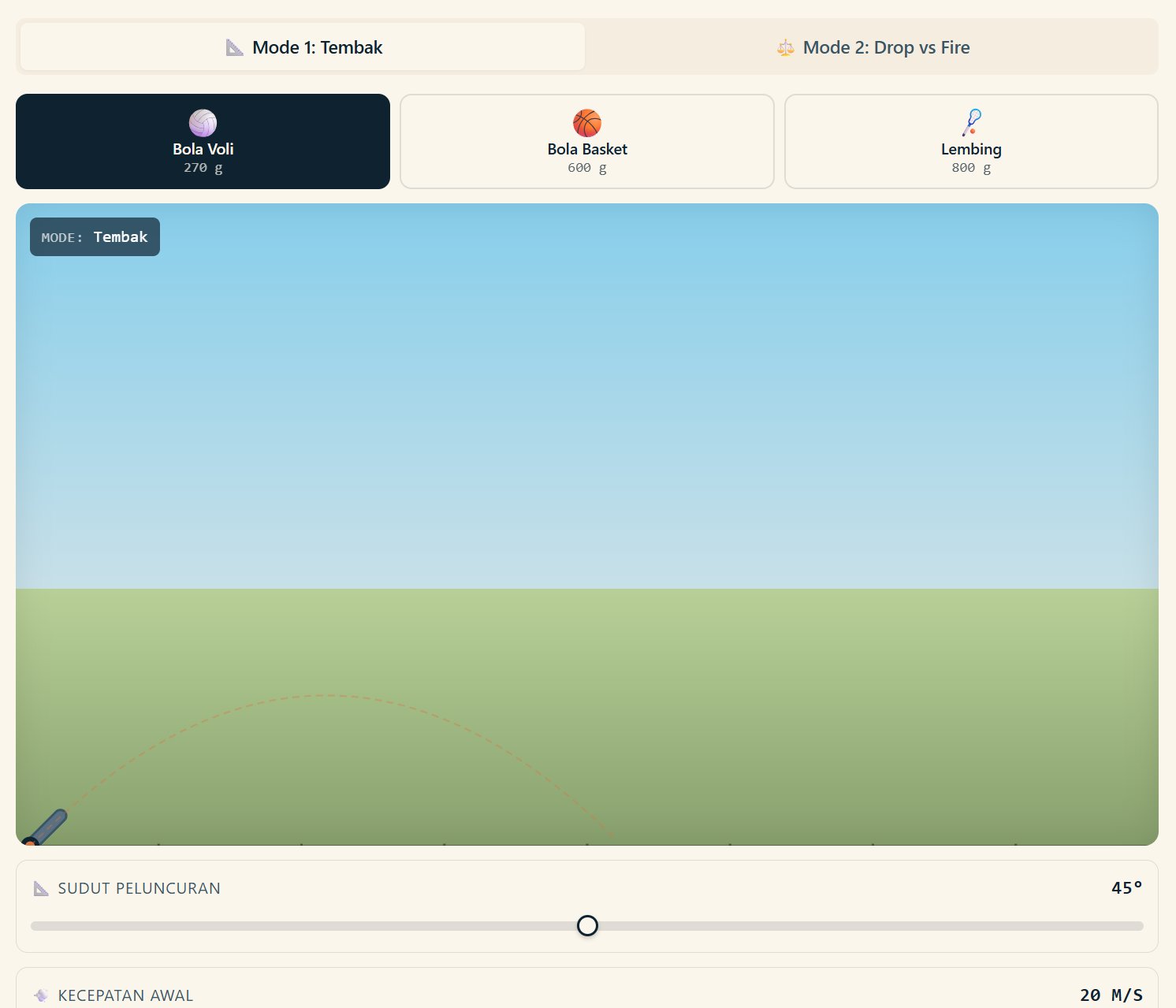
Two modes: Shoot mode — vary the initial speed and launch angle; and Drop vs Fire mode — compare a freely falling object with one fired horizontally to show that vertical and horizontal motion are independent.
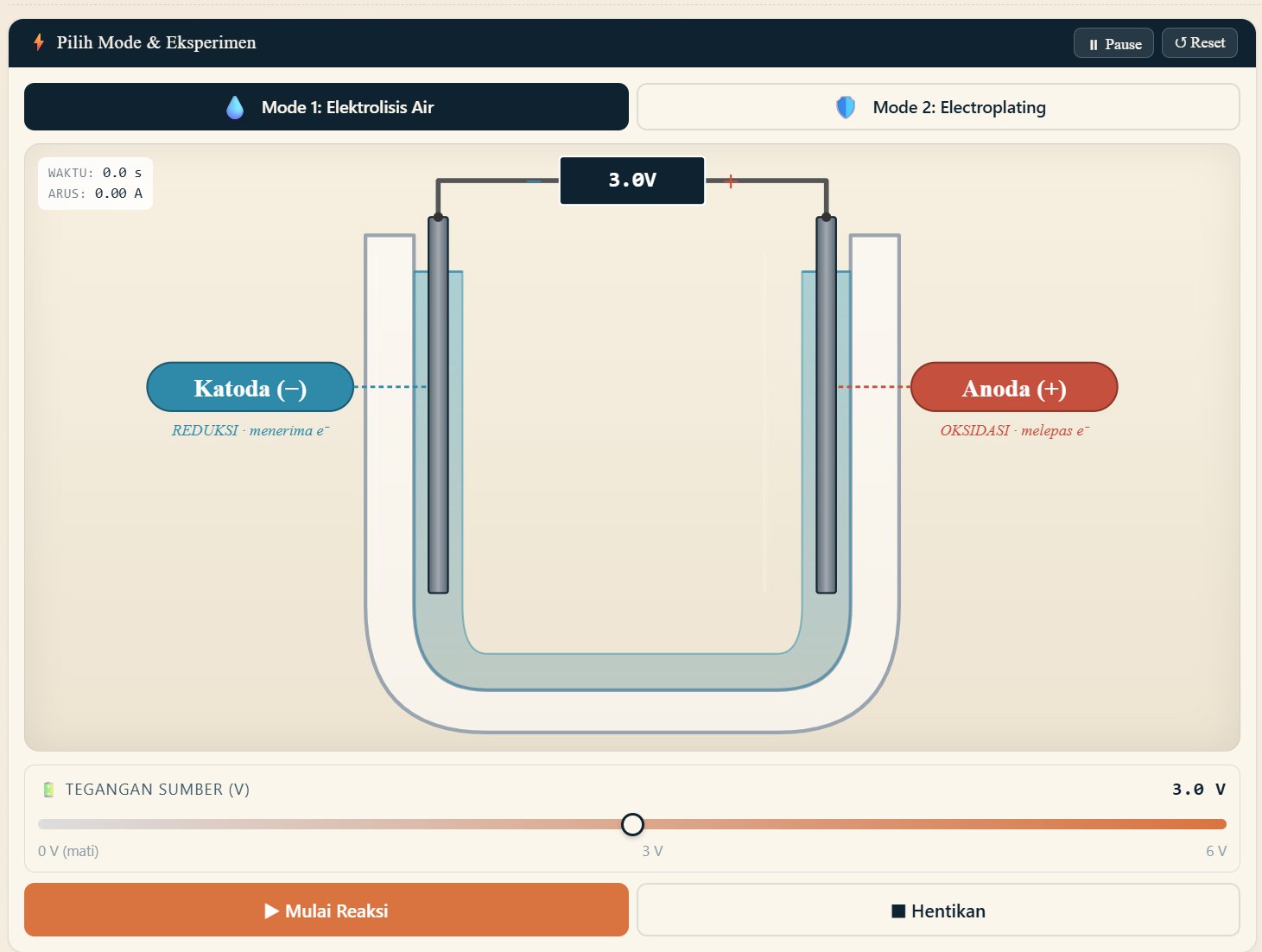
A simulation of an electrolytic cell with a U-tube and two electrodes. Two modes: water electrolysis (producing H₂ and O₂ gas) and electroplating (coating the cathode with copper). It shows the movement of ions, electrons and gas bubbles.
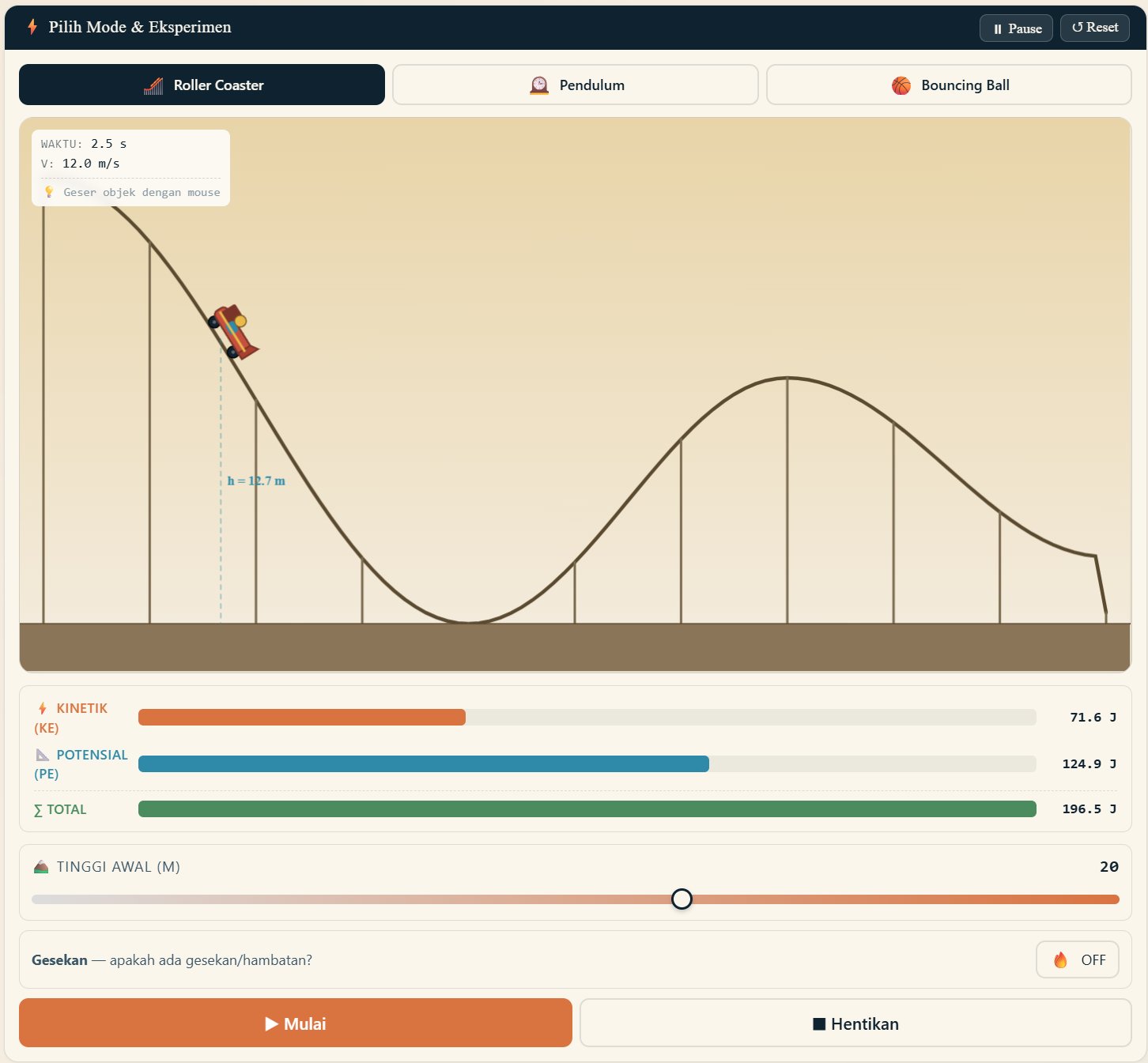
Three modes: Roller Coaster (PE–KE conversion on a hilly track), Pendulum (oscillation with or without damping) and Bouncing Ball (bouncing with a coefficient of restitution). Includes a real-time energy bar chart.
SEAQIS is developing an integrated AI-Tutor built on the Claude API, which will be available in every simulation. The AI-Tutor helps students understand concepts through contextual dialogue, answers their "why" questions, and gives adaptive hints matched to their level of understanding. The feature will be rolled out in stages from 2026.
Three simple steps to bring SEAQIS simulations into your science lessons.
Pick a simulation that matches your lesson topic from the collection above. Each one is clearly tagged by subject and school level.
Click the "Open" button to launch the simulation directly in your browser. It works on laptops, tablets and smartphones, with nothing to install.
Vary the parameters, observe the results and discuss them with your students. Simulations work best as tools for guided exploration, not as something to watch passively.
Are you a science teacher with a topic you'd like to see simulated, or a researcher who would like to collaborate on educational tools? SEAQIS welcomes ideas and partnerships.